
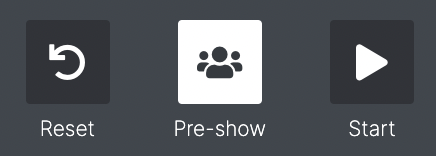
If the show you're operating has a Pre-show, the 'three people' icon will appear between the Reset and Start buttons of the show controls.
The Pre-show is an optional state (chosen by the show designer) which is used to start lighting and audio cues and some Behaviours but does not start the show itself (i.e the clock is not running). It is designed to set the tone and mode for the audience then they are entering into the auditorium or show space.
The Pre-show can run for an indeterminate amount of time before you start the show. i.e. you can leave the Pre-show running for many hours before the show begins.
When you are in the Pre-show, you will still be able to access the Checklist.
Dashboard widgets may or may not be available depending on how the show has been setup. Be aware that Dashboard widgets may not be available when then show starts, so check with your show designer.
To understand how the Pre-show fits into the show, see Show Lifecycle