
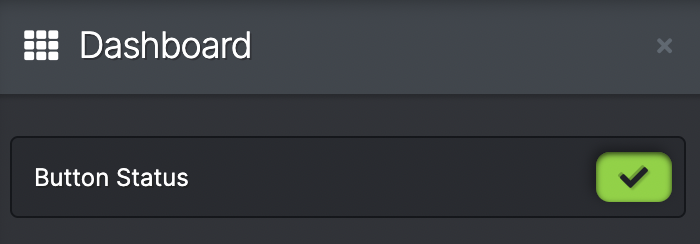
A tick box is the simplest Dashboard widget you can have. It looks at the desires input or output and gives either a grey bar or green tick reading.
To create any Dashboard widget, you need to check the box marked customise.
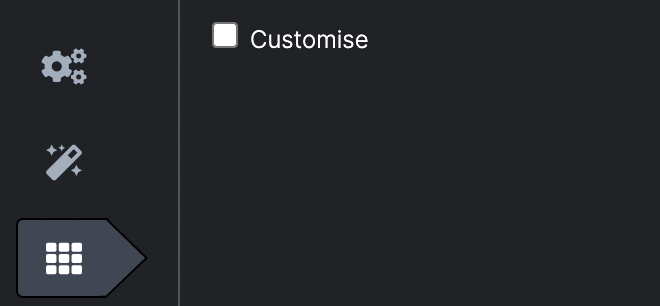
As with any Dashboard widget, you will see how it will look to the operator in the left hand side of the Scene panel.
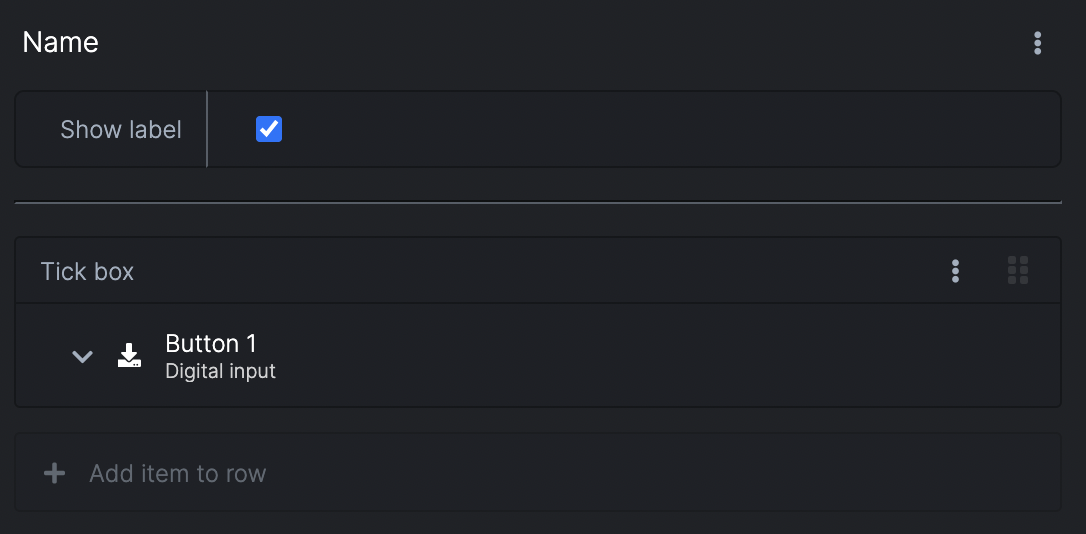
- Renaming - click on the name at the top to change the name of the tick box reading
- Show label - check or uncheck the box to display or not display the name
- Set the channel - choose from digital inputs, outputs or sensor inputs states (you need to have added these types of functions for them to appear in the dropdown menu)
- Add item to row - you can add other Dashboard widgets to the same row, including