
Digital Output channels are used to turn on or off power to a device. They can be used with either the Digital Master or the DC Master
You are able to change the status of the output as part of your Update channel actions in Behaviours
Adding
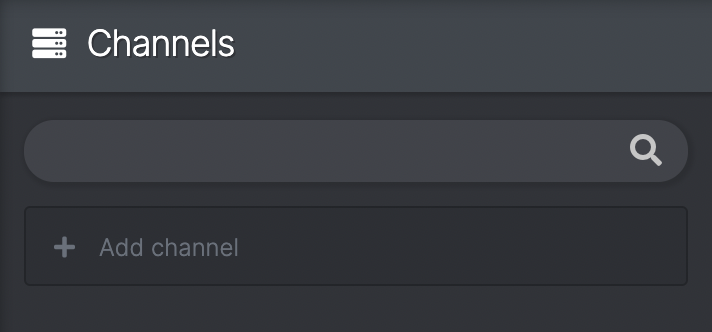
- In Channels click 'Add channel' and select 'Digital Output'
- Enter a name that you would like to call it
- You will be presented with the channel view

Current value
- Shows the current state of the channel with a toggle - GREEN for on, RED for off
- You can manipulate this toggle to change the output
- This value will show the current status of a virtual or real life (patched to hardware) channel
Settings
- Restore default automatically - a checkbox which means you can tell the output to return to it's default after being activated in the desired way. You can change the time this takes in milliseconds (e.g. a magnetic solenoid catch [magcatch] needs to go on & off quickly)
- Default value - allows you to change the default position of the output. This will be the status of the output at in the Reset state and at the beginning of your show (e.g. a magnetic lock [maglock] is commonly defaulted to ON as they are 'unlocked' (turned off) throughout the course of the show. Inversely, a magcatch would be defaulted to OFF)
Patching
- From here you can patch the channel to any available Digital Master or DC Master channels depending on what your output is (N.B. a Digital Master can only output 5V at Max 5ma per channel)
- If it appears blank you need to create a box in devices in order to patch (see Adding boxes)
- You can also patch Digital Output channels in the device view (see Patching channels to the Digital Master OR Patching channels to the DC Master)